
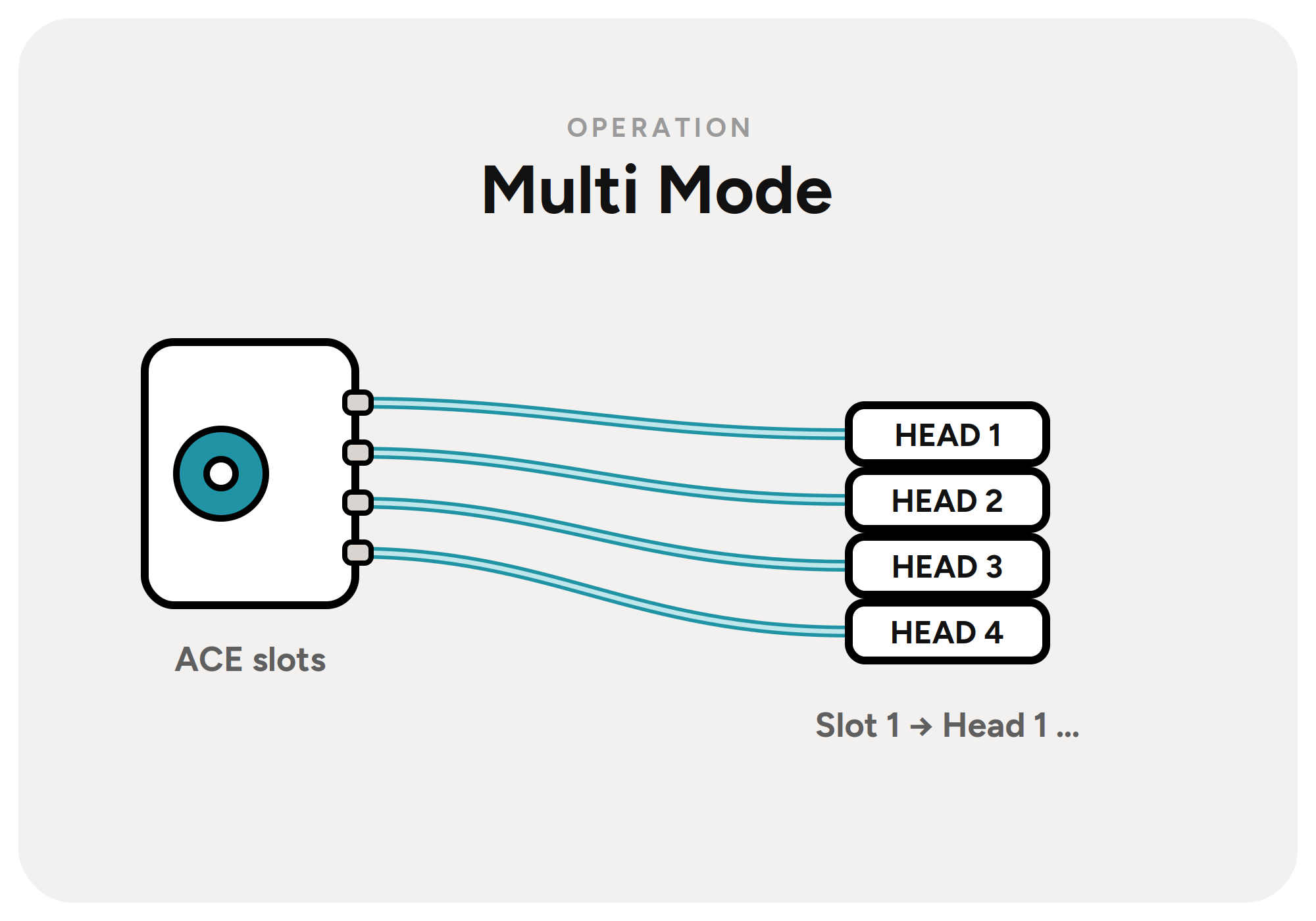
In ACE Multi Mode the dashboard shows the 4 toolheads at the bottom, and all connected ACE units as cards.
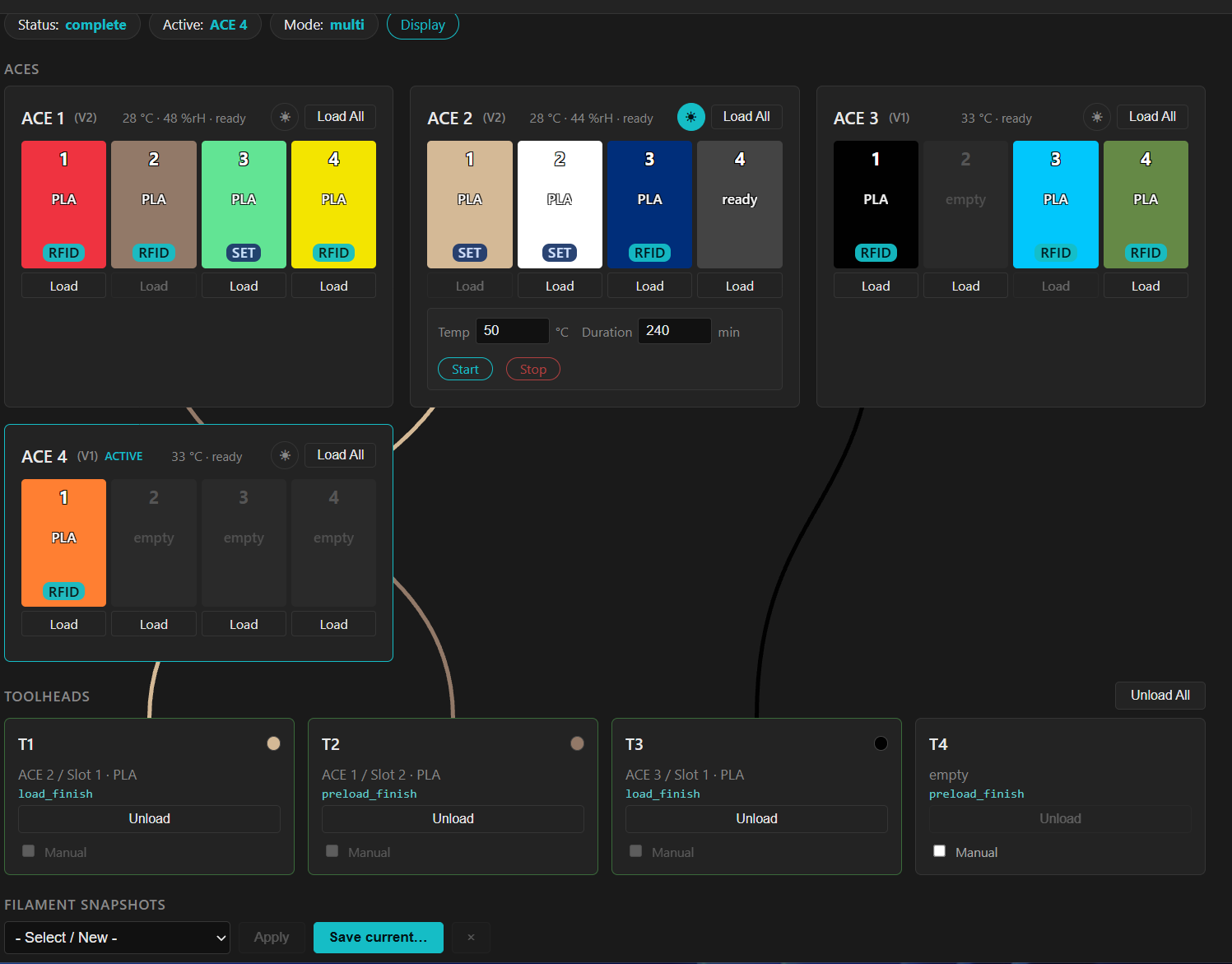
Controls
Display
Display in the top row opens the familiar display mirror when running a PAxx firmware.
ACE cards
Heater
The heater icon shows the heater controls inside the card. Here you can change temperature and duration, and start or stop the drying process.
Slots
The slots of the ACE unit are shown side by side. When you insert a spool, the slot shows either Ready or the RFID information. Click a slot to set or change the filament.
Load
Load below a slot preloads that slot.
Load All
Load All loads all heads from that ACE unit.
Toolhead cards
Material & color
If loaded, the card shows the loaded material and color.
Unload
Unload unloads the head.
Manual / ACE
Manual switches the head between manual and ACE mode. Please connect the tubes accordingly.
Unload all
Unload all unloads all heads one after another.
Filament Snapshots
Under Filament Snapshots you can save filament loadouts and restore them at the push of a button. The material information can be restored as well.